






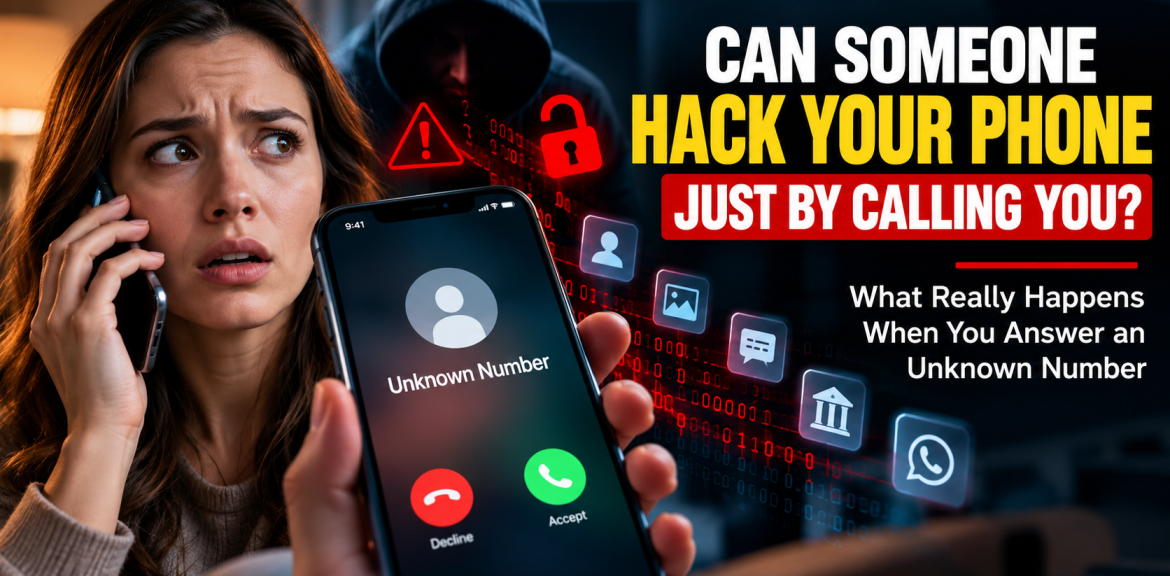

Quick answer: If you answered an unknown phone call and said hello, your phone is not normally hacked just because you picked up. A conventional voice call does not automatically hand a caller your photos, passwords, WhatsApp messages or banking apps. The more realistic danger is what happens during or after the call: a scammer may persuade you to disclose a code, visit a fraudulent site, install remote-access software or transfer money. Rare sophisticated exploits are a separate possibility, not the usual explanation for an unwanted call.
So if you just answered, heard silence or a suspicious voice, and hung up, there is usually no reason to assume your device has been compromised. The next step depends on what you actually did—not how frightening the caller sounded.
Advertisement
Can someone hack your phone just by calling you?
In an ordinary phone scam, simply accepting a voice call is not enough to give the caller control of your phone. A call can reveal that your number is active, and a conversation can expose information you choose to share. But those are different from secretly installing malware or taking over a device.
Think of the call as an opportunity for the scammer to persuade you to do something. The caller may claim to be from a bank, mobile carrier, delivery service, technical support team or government office. They may create urgency: “Your account is being emptied right now,†or “We need to verify your identity immediately.†Their goal is to move you from a conversation into an action that gives them access or money.
The US Federal Trade Commission (FTC) specifically advises people to hang up and contact the claimed organisation independently, using its official app, a known website or a number on a statement—not the caller’s instructions. See the FTC’s guidance on unexpected calls claiming your money is at risk.
The Phone Call Risk Check: four situations, four different responses
Rather than asking only “Was it a scam call?â€, ask “What did I do while I was on the call?†This editorial checklist separates ordinary exposure from situations requiring urgent action. It is a practical decision aid, not a forensic test or a guarantee that a device is safe.
| What happened? | Likely concern | Best next step |
|---|---|---|
| 1. You answered, listened, or said “hello†| Usually low device-compromise concern from the call alone | Hang up; block or report repeat callers; monitor for further contact |
| 2. You gave a name, account detail, password or verification code | Identity misuse or account takeover | Secure the affected account, change exposed credentials and contact the provider |
| 3. You clicked a link, installed an app or allowed screen sharing/remote access | Phishing, malicious software or unauthorised access | Stop access, disconnect if appropriate, seek trusted device support and secure accounts from a known-safe device |
| 4. You approved a transfer or notice suspicious account activity | Possible financial loss or active compromise | Contact your bank/payment provider immediately using official channels; preserve evidence and report fraud |
Important: The risk assessment changes if you receive a credible device-security warning, see unknown account logins or have reason to believe you are individually targeted by advanced spyware. Those situations deserve professional evaluation even if you did not click anything.
How can a phone scam actually lead to hacking or stolen money?
1. The caller tricks you into sharing a one-time verification code
A scammer may already know your email address or phone number and attempt a login or password reset. They then call pretending to be support staff and ask you to read out the one-time code sent to your device. The code may authorise access to your account. Never share an unexpected login or payment code with someone who called you.
2. The caller persuades you to install an app
Fake technical support may ask you to install remote-access software or an unfamiliar mobile application. Depending on its permissions and the actions you approve, this can expose sensitive information or enable further abuse. Legitimate-looking app names and professional-sounding callers are not proof of safety.
3. The caller directs you to a fake website
They may send a text while speaking to you: “Open this secure banking link.†A fraudulent page can collect credentials or payment details. The dangerous step is typically the information you submit, the file you install or a vulnerability exploited by malicious content—not the fact that a voice call arrived.
4. The caller impersonates someone trustworthy
Caller ID can be spoofed: a displayed local number or familiar organisation name does not prove who is calling. The FTC explains caller-ID spoofing and recommends independently checking claims rather than trusting the screen.
5. The caller creates a false emergency
A bank impersonator may claim your savings are under attack and demand an immediate transfer to a “safe account.†Another caller may pretend to be a relative in trouble. A persuasive story, even one that sounds like a familiar voice, is not independent verification. Our related guide explains how AI voice-cloning family scams work.
What if you answered an unknown international number?
The country code alone does not establish whether a call is fraudulent. International numbers can be legitimate, and caller ID can be manipulated. If a call rings once and stops, do not call back simply to discover who it was. Return calls to unfamiliar international numbers can sometimes create charges; check with your mobile provider if you are concerned. For an unexpected call that claims to represent a business, use contact details you find independently.
But aren’t there “zero-click†phone hacks?
Yes, zero-click exploits are real—but they should not be confused with routine phone scams. In certain sophisticated attacks, a vulnerability in software that processes incoming content or communications can be exploited without the victim tapping a link. These attacks require specific technical weaknesses and are not evidence that every unknown caller can hack a modern phone by making it ring.
Apple describes mercenary spyware as an exceptionally sophisticated and costly threat that targets a very small number of people, including some journalists, activists and public figures. Apple also states that the vast majority of users will never be targeted by these attacks. See Apple’s explanation of threat notifications and mercenary spyware.
If you receive an authentic security alert from your device maker, have a high-risk public role, or have credible evidence of targeted surveillance, follow the manufacturer’s guidance and seek qualified security help. Everyone else should focus first on common, preventable risks: keeping software updated, using strong authentication and refusing suspicious requests.
I answered a suspicious call. What should I do now?
If you only answered and hung up
- Do not panic or assume your phone is infected.
- Do not call the number back just to investigate.
- Block or report persistent suspicious calls using your phone’s built-in features.
- Keep your phone and apps updated.
- Watch for follow-up texts or calls asking you to take action.
If you shared a password, code or financial information
- End the conversation immediately.
- Use the official website or app—not a link supplied by the caller—to contact the affected service.
- Change any exposed password, especially where it was reused; review active sessions and enable stronger authentication.
- Tell your bank or account provider if you disclosed card, banking or payment details.
- Check for unauthorised changes and preserve messages or transaction records.
If you installed software or granted remote access
- Stop the session and revoke access where you can do so safely.
- Use a separate trusted device to change important passwords if compromise is suspected.
- Update the operating system and security tools, and seek reputable technical support to inspect or remove suspicious software.
- Contact your bank immediately if sensitive financial information may have been exposed.
The FTC’s recovery guide for scam victims covers account credentials, payments and access to phones or computers.
If you sent money
Contact the bank, card issuer or payment service immediately, explain that the transaction was induced by fraud, and ask whether it can be stopped, recalled or disputed. Recovery is not guaranteed and depends on the payment method and circumstances. Report the incident to your local law-enforcement or consumer-protection authority. In the United States, reports can be made at ReportFraud.ftc.gov.
How to reduce the risk of scam calls on iPhone and Android
- Install updates promptly. Security patches fix known vulnerabilities. Update the operating system as well as messaging and calling apps.
- Use built-in call screening or spam protection. Availability and menu names vary by device, carrier and country.
- Do not treat caller ID as authentication. Call organisations back through official contact details.
- Protect accounts. Use unique passwords or passkeys and enable multi-factor authentication where available.
- Review app permissions. Remove software you do not recognise and be cautious with accessibility, screen-sharing and remote-control permissions.
- Agree on a family verification routine. Independently call a loved one before acting on an urgent request for money.
Three common claims: what is true?
“If I say yes on a scam call, they can immediately empty my bank account.â€
Not simply because you said the word “yes.†A spoken response is not, by itself, the same as authorising a bank transfer or giving someone access to an account. Nevertheless, avoid confirming sensitive details or following instructions from an unknown caller.
“If a caller knows my name, they must have hacked my phone.â€
No. Names, phone numbers and other details may come from public sources, previous data breaches, marketing lists or social engineering. Knowing something about you does not prove access to your device.
“If the number looks like my bank’s number, the call is safe.â€
No. Caller ID can be spoofed. Hang up and contact your bank through its official app, the number on your card or a trusted statement.
Frequently asked questions
Can someone hack my iPhone just by calling me?
Not through an ordinary scam voice call alone. Rare sophisticated vulnerabilities exist, but most people who simply answer an unknown call have not thereby handed over their phone. Keep iOS updated and treat credible manufacturer security alerts seriously.
Can someone hack my Android phone by calling me?
An ordinary incoming call does not normally provide remote access to your Android phone. Risk rises if you install untrusted software, grant dangerous permissions, reveal credentials or encounter an exploitable technical vulnerability.
Can a scammer access my photos just because I answered?
Normally, no. A regular voice call does not grant photo-library access. Such access would require another mechanism, such as compromised software, permissions, credentials or a serious device vulnerability.
Can answering an unknown call steal money from my bank account?
Not ordinarily. Financial losses typically involve fraudulently obtained credentials, shared verification codes, unauthorised access or a payment you were manipulated into approving. Contact your bank promptly if you disclosed information or notice suspicious activity.
Should I change my passwords after answering a spam call?
Not solely because you answered and hung up. Change affected passwords if you disclosed credentials, followed a suspicious login link, granted access or notice signs of account compromise.
Is it safer to ignore all unknown numbers?
Letting unexpected calls go to voicemail can reduce unwanted interactions, but some legitimate callers use unfamiliar numbers. If a message claims urgent action is required, independently verify the claim before responding.
The bottom line: focus on what the caller asked you to do
Answering a suspicious phone call is not the same as being hacked. For most readers, the most effective protection is simple: end suspicious conversations, verify claims independently, never share verification codes, avoid unexpected installations and act quickly if an account or payment is actually exposed.
If the caller asks you to scan a payment code or disclose a banking OTP, see our separate guide to QR-code and OTP scams. Those are different mechanisms and deserve their own precautions.
Sources and editorial method
This article is an evidence-informed explainer, not a report of an original laboratory experiment. The Phone Call Risk Check is an editorial framework developed to help readers choose proportionate next steps; it has not been clinically or scientifically validated. We distinguish common impersonation fraud from rare advanced device exploits, and we do not claim to have tested a live attack or interviewed victims.
- FTC: Handling unexpected calls claiming your money is at risk (2026)
- FTC: Phone scams and fraud prevention
- FTC: What to do if you were scammed
- Apple: Threat notifications and mercenary spyware
- Apple: Why updating iOS matters for web security
Editorial note: Prepared for The Digital Edge by Lanka E-Marketing, with AI-assisted drafting and human editorial review recommended before publication. This is general consumer-safety information, not individual forensic, legal or financial advice. Last reviewed: 13 October 2026.
Advertisement


